
A LOOK INSIDE FUNDAGINE
See how Fundagine can help you find funding.
Find opportunities, understand the requirements, and plan your next steps. Here is a look inside the app and a simple guide to its main tools.
Build your funding profile →FIND FUNDING
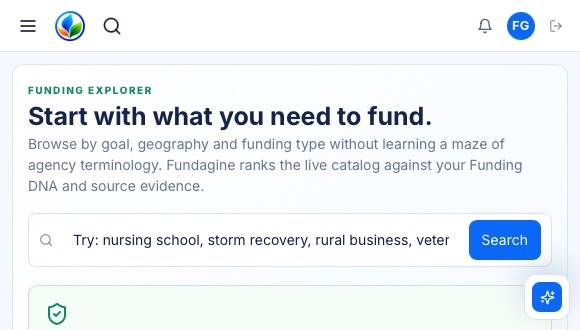
Funding Explorer
What opportunities deserve a closer look?
Search for grants and other funding in one place. Narrow your search by what you need and where you live. Open a listing to check who can apply, what is required, and when applications close.
Find a program, then check its official rules to see whether you may qualify.
TELL US ABOUT YOU
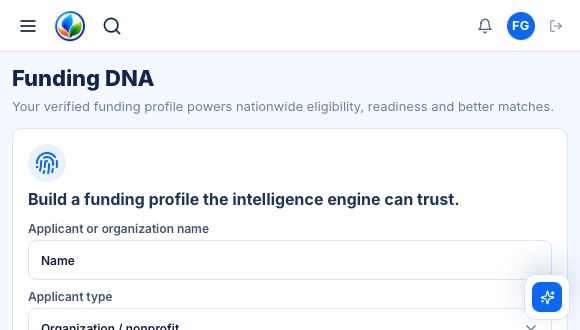
Funding DNA
What kind of funding do you need?
Funding DNA is your funding profile. Tell us about yourself or your organization, your location, and what you need help paying for. These details help Fundagine find possible matches. Update your profile when your needs change.
Start with a few details about who you are and what you need.
KEEP UP WITH NEW LISTINGS
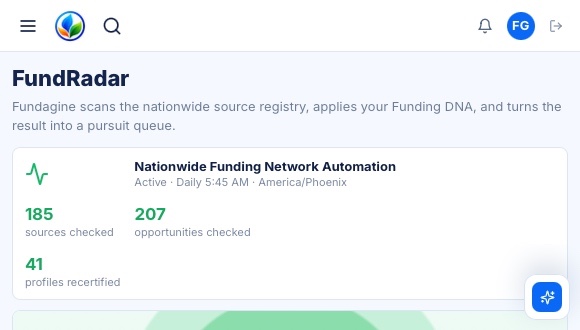
FundRadar
How do you keep up with new opportunities?
FundRadar checks registered funding websites regularly for new or changed information. It helps you keep up with opportunities without checking every website yourself. Listings change, so always read the latest details on the original website.
Let FundRadar help you keep looking while you work on your next steps.
CHOOSE YOUR NEXT STEP
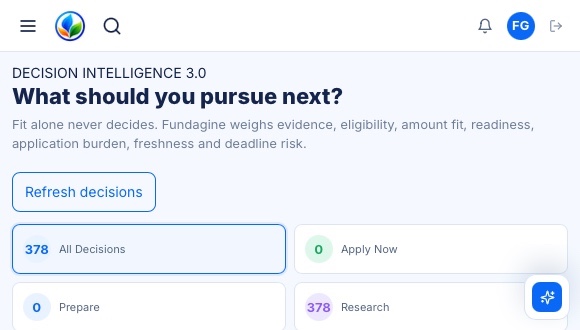
Decision Center
What should you apply for next?
Compare opportunities before putting time into an application. Look at who can apply, the deadline, the work involved, and the information behind a possible match. Fundagine helps you weigh your options; it cannot predict whether you will receive funding.
Choose what to look into next and what to apply for.
FIND. VERIFY. DECIDE.
Make your funding search easier to manage.
Keep your search, documents, and next steps together. You decide what to apply for, and the organization offering the funding makes the final decision.
Compare plans and trial options →